Screen Replacement vs Repair: What’s the Best Option for Your Phone?

Understanding Screen Repair

Screen repair usually refers to fixing minor damage without replacing the entire display assembly.

When screen repair is suitable

  • Only the outer glass is cracked
  • Touch is working properly
  • Display colors and brightness are normal
  • No lines, black spots, or flickering

In such cases, technicians can repair or replace just the damaged glass layer while keeping the original display intact.

Benefits of screen repair

  • Lower cost compared to full replacement
  • Faster repair time
  • Original display quality remains
  • Less part replacement

However, screen repair is not always possible. If internal layers are damaged, repair alone will not solve the issue.

Understanding Screen Replacement

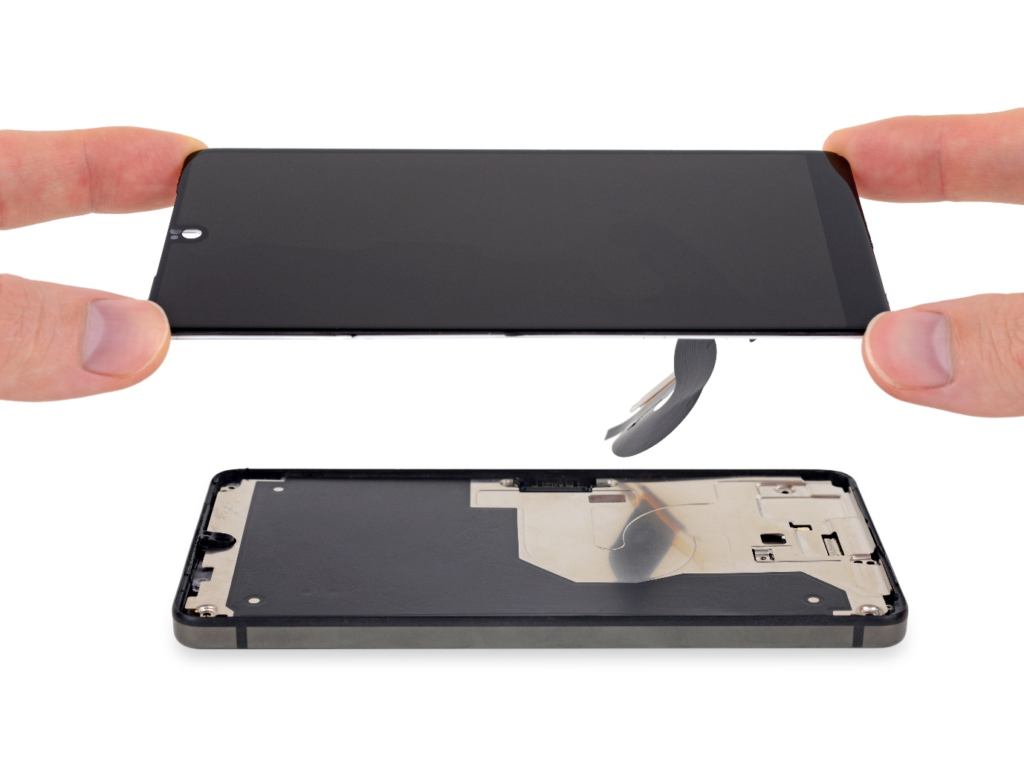
Screen replacement means changing the entire display unit, including the glass, digitizer, and display panel.

When screen replacement is required
  • Touch screen is not responding
  • Display shows lines, spots, or dead pixels
  • Screen flickers or goes completely black
  • AMOLED or LCD panel is damaged
  • Water damage affecting display

In these cases, repairing only the glass will not fix the problem. Full screen replacement ensures proper performance and durability.

Benefits of screen replacement

  • Fixes all display-related issues
  • Restores touch sensitivity and brightness
  • Improves long-term reliability
  • Eliminates hidden internal damage

Repair vs Replacement: Key Differences

Cost

Screen repair is generally more affordable. Screen replacement costs more because it involves replacing multiple components.

Time

Minor repairs usually take less time. Full replacements may take longer due to testing and calibration.

Durability

Screen replacement offers better long-term reliability, especially for phones with internal damage.

Risk

Trying to repair a screen that actually needs replacement can lead to recurring problems. Proper diagnosis is essential.

Why Proper Diagnosis Matters

Many users assume that a cracked screen always needs replacement. In reality, some phones only need glass repair, while others require full replacement even if the crack looks small.

Professional technicians inspect:

  • Touch response
  • Display output
  • Internal connectors
  • Backlight and panel health

This ensures you do not spend more than necessary or risk future issues.

Which Option Is Best for Your Phone?
Choose screen repair if:

  • Damage is cosmetic
  • Touch and display work perfectly
  • Crack is limited to the glass

Choose screen replacement if:

  • Touch does not work
  • Display flickers or stays black
  • Lines or spots appear
  • Phone suffered water or heavy impact damage

A professional inspection is the safest way to decide.

Why Professional Service Is Important

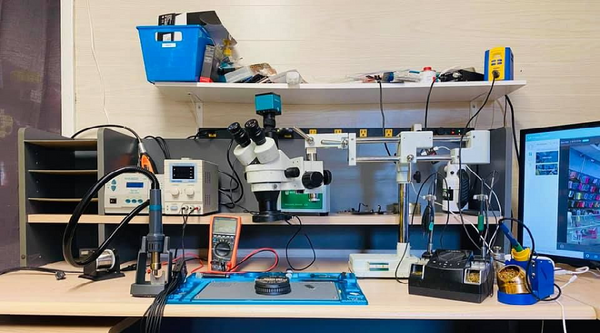
Whether you choose repair or replacement, professional service is crucial. Trained technicians use proper tools, correct adhesives, and tested parts. This prevents issues like dust under the screen, loose fitting, or touch failure after repair.

Unskilled repairs may look cheaper initially but often lead to higher costs later.

Final Thoughts

Screen repair and screen replacement are not the same, and choosing the wrong option can cause repeated problems. Minor damage can often be repaired, but serious display issues require full replacement for reliable performance.

If your phone screen is damaged, getting a professional diagnosis first is the smartest step. It helps you save money, protect your device, and restore smooth usage without risk.

Common Smartphone Display Problems and How Professional Repair Can Fix Them

1. Cracked or Broken Screen

A cracked screen is the most common display problem smartphone users face. Even with tempered glass protection, a single drop can damage the display.

Common causes

  • Accidental drops
  • Pressure damage from sitting or tight pockets
  • Impact with hard surfaces

How professional repair helps

A professional repair technician replaces the damaged glass or full display assembly using proper tools and tested parts. This ensures:

  • Original touch sensitivity
  • Proper brightness and color accuracy
  • No damage to internal components

DIY fixes often lead to dust issues, weak bonding, or touch failure later.

Touch Screen Not Responding

When your screen does not respond to touch or reacts slowly, it becomes frustrating to use your phone.

Possible reasons

  • Software glitches
  • Water or moisture exposure
  • Damaged digitizer
  • Loose internal connections

Professional solution

Repair experts first diagnose whether the issue is software or hardware related. If the digitizer is damaged, it is replaced properly without affecting the display panel. This restores smooth touch response across the screen.

Black Screen but Phone Is On

Sometimes your phone vibrates, rings, or receives notifications, but the display stays black.

Causes include

  • Display connector damage
  • Backlight failure
  • Internal screen panel damage

How professionals fix it

Technicians check the display cable, backlight circuit, and screen panel using proper testing equipment. This avoids unnecessary full screen replacement if a smaller fix is possible.

Display Flickering or Flashing

A flickering display can strain your eyes and make the phone unusable.

Common reasons

  • Loose display connectors
  • Faulty screen panel
  • Software bugs after updates

Professional repair advantage

Experts securely reseat connectors, replace faulty panels if needed, and update or reset software safely. This ensures long-term stability rather than temporary fixes.

Lines, Spots, or Dead Pixels on Screen

Vertical lines, green or purple spots, or dead pixels usually indicate internal display damage.

Why it happens

  • Pressure damage
  • Manufacturing defects
  • Liquid exposure

Why replacement is needed

These issues cannot be fixed through software. Professional screen replacement ensures correct resolution, color balance, and durability.

Screen Burn-In or Ghost Images

Common in OLED and AMOLED displays, burn-in causes faint images to remain visible.

Causes

  • Prolonged static images
  • High brightness usage
  • Old display panels

Professional recommendation

In mild cases, display calibration may help. Severe burn-in requires screen replacement using compatible panels to restore clarity.

Dim or Uneven Brightness

If your screen looks unusually dark or has uneven lighting, it affects outdoor visibility.

Possible reasons

  • Backlight damage
  • Power circuit issues
  • Display panel wear

Repair solution

Professionals test brightness levels, backlight circuits, and power flow before deciding on part replacement. This ensures the correct fix without extra cost.

Why Choose Professional Display Repair

Choosing a professional smartphone repair service offers several benefits:

  • Correct diagnosis before replacement
  • Quality parts and proper fitting
  • Data safety and device protection
  • Warranty on repair work
  • Long-term reliability

Untrained repairs often lead to more damage and higher costs later.

When Should You Get Your Display Repaired

You should seek professional help if:

  • Cracks spread quickly
  • Touch stops responding
  • Screen goes black or flickers
  • Lines or spots appear suddenly

Ignoring these signs can damage internal components and increase repair costs.

Final Thoughts

Smartphone display problems are common but should never be ignored. Whether it is a cracked screen, touch issue, or display malfunction, professional repair ensures your phone works smoothly and safely again.

If your smartphone screen is causing trouble, getting it repaired by trained technicians is always the smarter choice for performance and peace of mind.


Best Gadgets to Buy Online in 2026

Smartwatches and Fitness Trackers

Smartwatches in 2026 are more accurate and health-focused than ever. They now track heart health, sleep quality, stress levels, blood oxygen, and daily activity with improved sensors.

Why buy one in 2026

  • Better battery life
  • Advanced health monitoring
  • Seamless smartphone connectivity
  • Sleek and lightweight designs

Fitness trackers are also a good option if you want health features at a lower price.

Wireless Earbuds and Headphones

Wireless audio devices continue to be one of the most popular gadgets online. In 2026, earbuds offer improved sound quality, strong noise cancellation, and stable connectivity.

Key features to look for

  • Active noise cancellation
  • Long battery backup
  • Fast charging support
  • Clear call quality

Online stores provide detailed reviews, making it easier to compare and choose the right model.

Smart Home Gadgets

Smart home gadgets are becoming more affordable and practical. These devices improve comfort, security, and energy efficiency.

Popular smart home gadgets

  • Smart bulbs and lighting systems
  • Smart plugs and switches
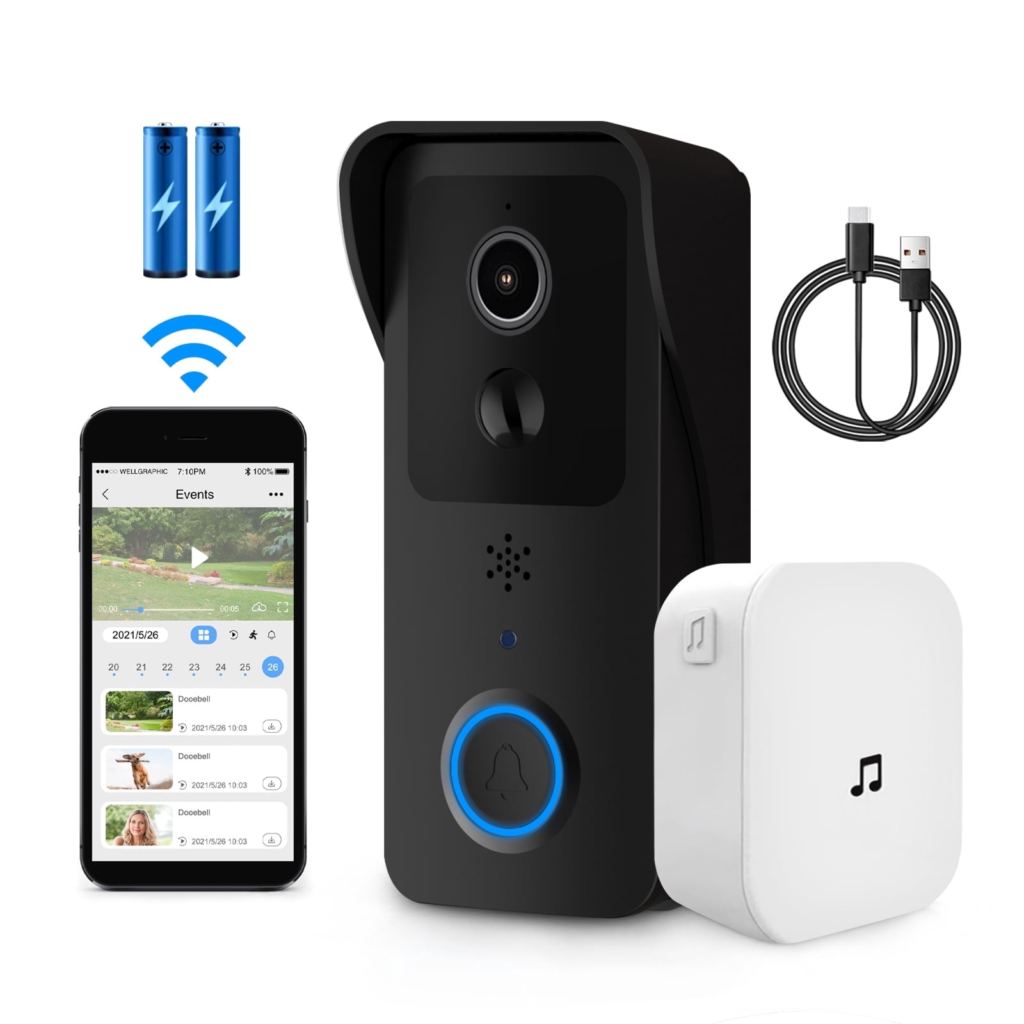
  • Video doorbells
  • Smart security cameras

These gadgets can be controlled through mobile apps or voice assistants, making daily routines simpler.

Power Banks and Fast Chargers

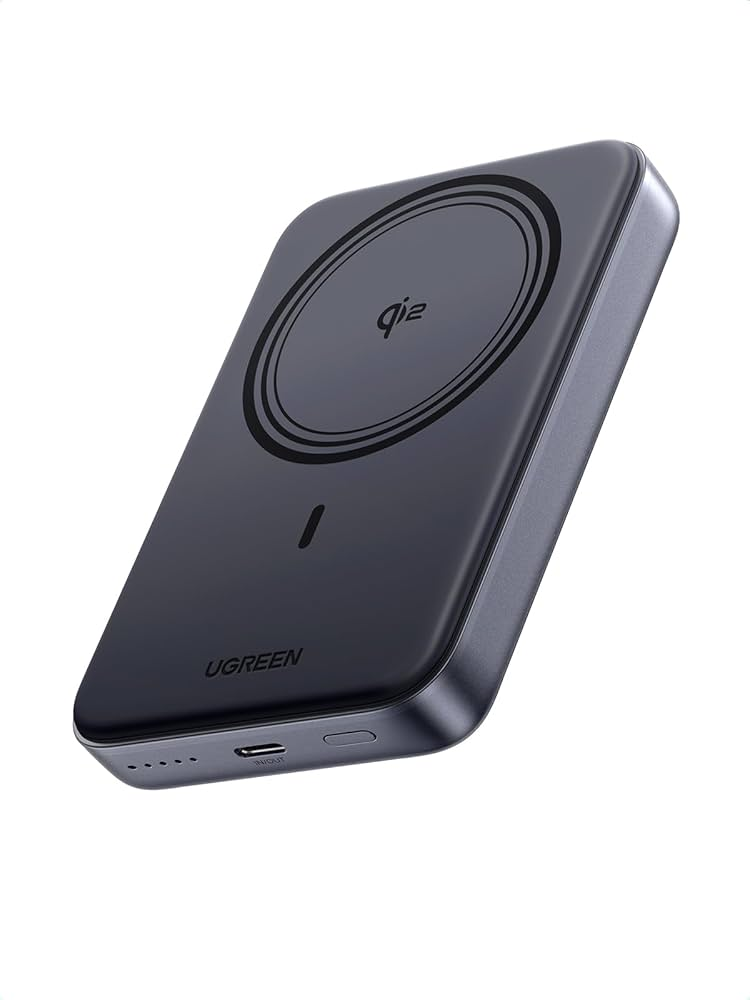
With heavy smartphone usage, power banks remain an essential gadget. In 2026, power banks support fast charging, wireless charging, and higher capacity in compact sizes.

Why they are still important

  • Reliable backup power
  • Ideal for travel and work
  • Supports multiple devices

Fast chargers are also a must-have, especially for phones, tablets, and earbuds.

Portable Bluetooth Speakers

Portable speakers are perfect for home use, travel, and small gatherings. The latest models in 2026 offer loud sound, deep bass, and water resistance.

What makes them a good buy

  • Compact and lightweight
  • Long battery life
  • Strong wireless range
  • Suitable for indoor and outdoor use

Buying online helps you compare sound quality and durability through user reviews.

Laptop and Mobile Accessories

Accessories improve productivity and device protection. Some of the most useful accessories to buy online include:

  • Wireless keyboards and mice
  • Laptop stands
  • USB hubs and adapters
  • Screen protectors and phone cases

These small gadgets are affordable and add long-term value to your devices.

Smart Kitchen Gadgets

Smart kitchen gadgets are gaining popularity in 2026. These devices save time and improve cooking efficiency.

Examples

  • Smart electric kettles
  • Digital air fryers
  • Smart weighing scales
  • Automatic coffee makers

Online shopping offers better deals and access to newer models not always available offline.

VR and Gaming Accessories

Gaming gadgets continue to grow in demand. In 2026, gaming accessories focus on comfort, performance, and immersive experience.

Trending gaming gadgets

  • VR headsets
  • Gaming controllers
  • Cooling stands
  • RGB gaming accessories

These gadgets are best purchased online due to better availability and pricing.

Why Buy Gadgets Online in 2026

Buying gadgets online offers several benefits:

  • Easy price comparison
  • Access to latest models
  • Verified customer reviews
  • Home delivery and return options

Online platforms also provide frequent discounts, making gadget shopping more affordable.

Final Thoughts

The best gadgets to buy online in 2026 are those that improve daily life, productivity, and entertainment. Whether you are looking for personal tech, home gadgets, or accessories, online shopping gives you more choices and better value.

Before buying, always check specifications, reviews, and warranty details to ensure you choose the right gadget for your needs.